
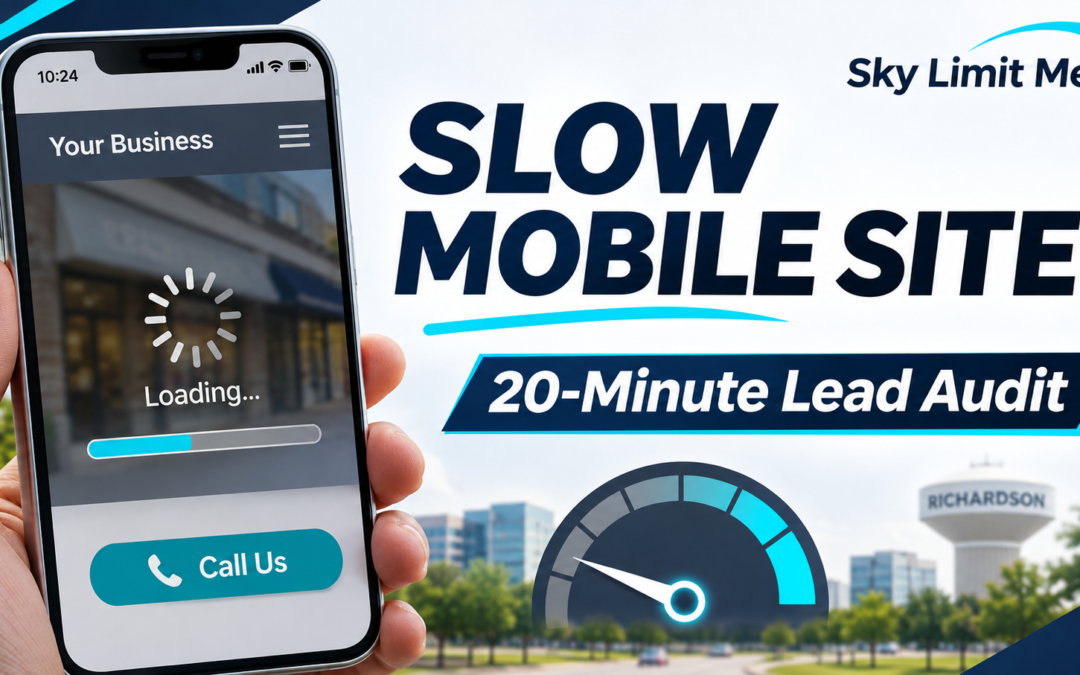
Slow Mobile Website, Lost Local Leads? A 20-Minute Speed Audit for Richardson Businesses
A 20-minute mobile website speed and lead audit for Richardson businesses: Core Web Vitals, contact paths, and practical fixes.


How Wylie Businesses Can Compete With Larger Plano Companies in Local Search
A practical guide for Wylie business owners competing with larger Plano companies in local search—Google Business Profile, service pages, trust, and qualified leads.
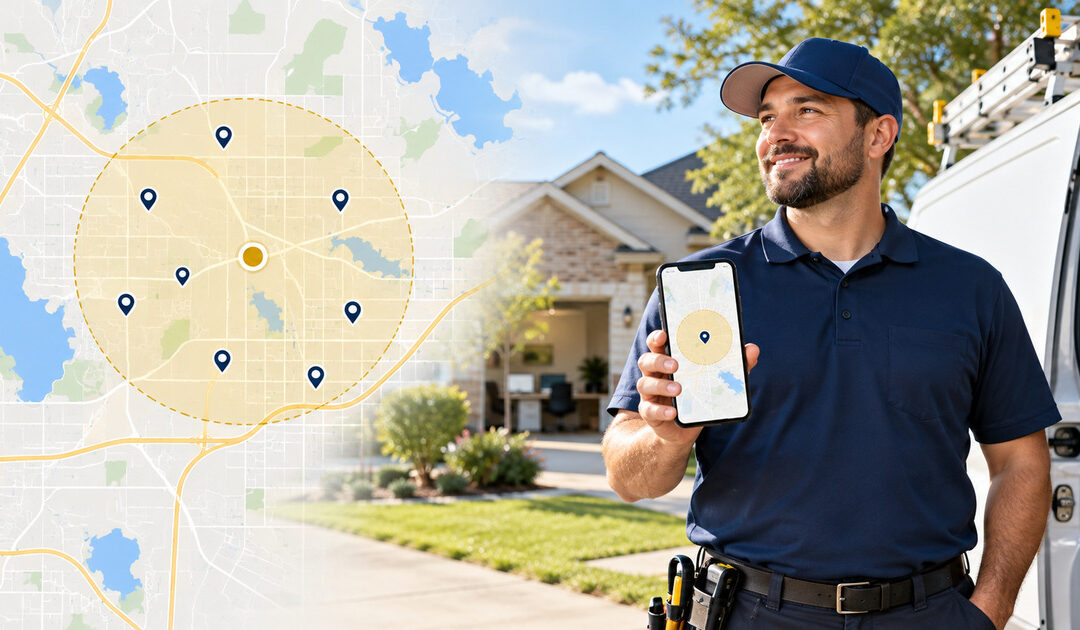
Do You Need a Murphy Address to Rank on Google Maps?
A practical guide for service-area businesses that want Google Maps visibility in Murphy, Texas without using an ineligible virtual office or duplicate profile.
Google Business Profile Appointment Links: A Lead Audit for Frisco Service Businesses
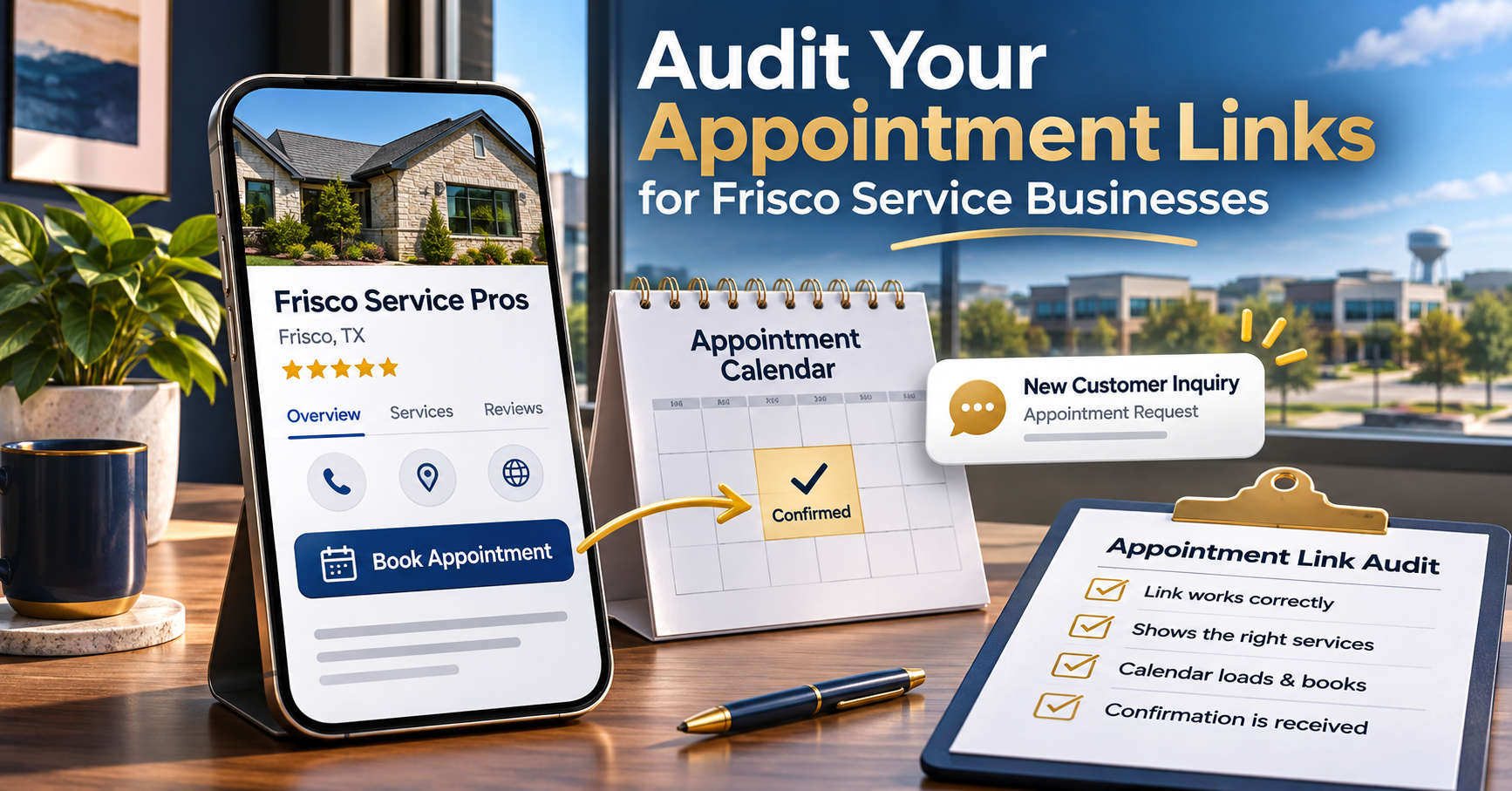
For a Frisco service business, appearing in local search is only the beginning. A nearby customer still needs a clear route from your Google Business Profile to the right service, location, and real appointment, estimate, or consultation. If that route is confusing—or the destination page does not clearly confirm that you serve Frisco—even qualified visitors may leave without contacting you.
Quick answer: what should you check first?
Check the destination of every applicable booking or appointment link, test the page on a phone, complete a real test inquiry, and confirm that your team receives it. A link that opens successfully is not necessarily a working lead path. This 25-minute audit is designed for Frisco-area contractors, professional services, and eligible appointment-based businesses.
Why appointment links deserve their own audit
Google says eligible Business Profiles may display links that let customers book appointments or take other actions. Availability depends on business category and location; not every business can add every link type. Google’s local business links instructions explain how owners can review and manage supported links.
The practical problem is that the customer journey crosses several systems: your profile, the destination page, a booking or contact form, notifications, and your team’s response. A failure anywhere can turn interest into a lost opportunity.
A 25-minute Frisco lead-path audit
Minutes 0–5: Verify the profile and link destination
- Open your business listing as a customer would, on a phone rather than only in the owner dashboard.
- Check whether a supported appointment or booking action appears for your category.
- Confirm the destination belongs to your business and opens the appropriate service or location page.
- Make sure the page does not redirect visitors to an unrelated homepage, broken scheduler, or competing location.
Google’s business link policies require eligible action links to lead to relevant, functional destinations. Avoid adding a booking action unless customers can actually complete the intended action there.
Minutes 5–10: Test the mobile experience
Try the page over a mobile connection. Can visitors immediately tell which service is offered, which Frisco-area customers are served, and what happens after they submit? Check that buttons are visible, form fields are readable, and the keyboard does not obscure the submission button. A useful companion is our mobile website speed and lead audit; the diagnostic steps also apply to Frisco businesses.
Frisco-specific check: does the page confirm local relevance?
The destination page should clearly identify the service offered, whether the business serves Frisco, and how the customer can book or request an estimate. Avoid vague city-name repetition. Use accurate service-area language, visible contact options, and a next step that matches the profile action. Review our Frisco digital marketing services page for an example of connecting local relevance with a clear consultation path.
Minutes 10–15: Submit a real test request
Use a clearly labeled internal test inquiry, not a fake customer review. Record the time, confirmation screen, email receipt, and any calendar event. If a form says “sent” but nothing reaches the business, follow our contact form delivery audit to trace routing and spam filtering.
Minutes 15–20: Inspect the response handoff
Determine who receives a new request, whether a backup person is assigned, and how quickly the prospect can expect a reply. Test an after-hours submission. A successful booking is only useful when the appointment is visible to the responsible employee and the customer receives accurate confirmation.
Minutes 20–25: Review measurement and next actions
Record the source of the test visit where your analytics and privacy setup permit it. Compare confirmed inquiries and completed appointments rather than assuming every profile interaction is a lead. For a broader view of local visibility and conversion, read our 90-day local SEO roadmap and Google Maps clicks-to-calls audit.
What to fix first
Prioritize broken destinations, failed submissions, and missing notifications before cosmetic changes. Then improve the service description, mobile call-to-action, and follow-up process. If the category does not support appointment links, focus on the legitimate website and contact routes available on your profile instead of trying to work around eligibility rules.
Frequently asked questions
Can every Frisco business add an appointment link?
No. Google makes specific business links available only to eligible categories and regions. Check the options visible in your own Business Profile.
Is a working booking button proof that leads are arriving?
No. Complete a test submission and verify the confirmation, internal notification, and follow-up handoff.
Should I send appointment visitors to my homepage?
Usually a relevant service-specific appointment page is clearer. For supported Google action links, follow Google’s destination and action-completion requirements.
Find the leak before you buy more traffic
If your Frisco business is visible online but appointments are inconsistent, Sky Limit Media can review the full path from Google Business Profile discovery to a confirmed inquiry. We will look for broken destinations, mobile friction, form or booking failures, missed notifications, and unclear follow-up—without promising rankings or lead volume.
Prefer email? Contact office@skylimitmedia.com.